To edit an open mike listing you've submitted, you first need to register and login.
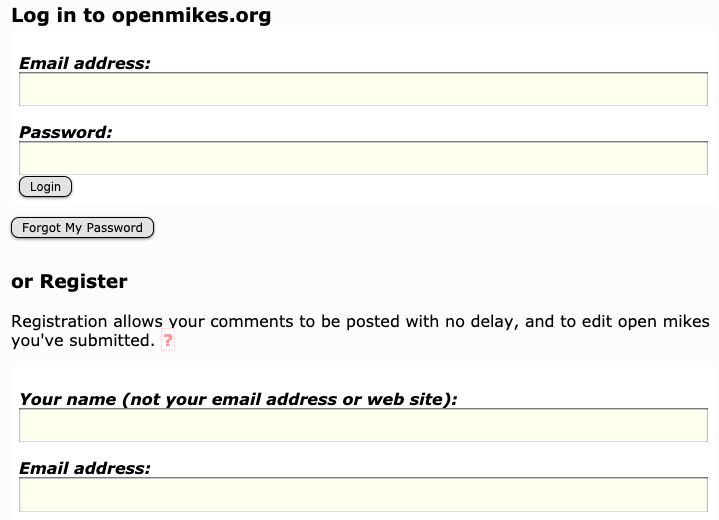
You may not have registered when you submitted the open mike — that's fine, you didn't need to. If you haven't done so before, register now — then contact us to let us know you're the owner of this listing. We'll make sure you can edit it.
Once you're logged in, look at the bottom of your profile page. You'll see a list of any nights you've submitted to openmikes.org:
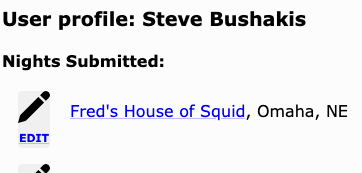
In this case, we'll click Edit next to "Fred's House of Squid".
We see some editable information, and a preview of the listing as it is now.
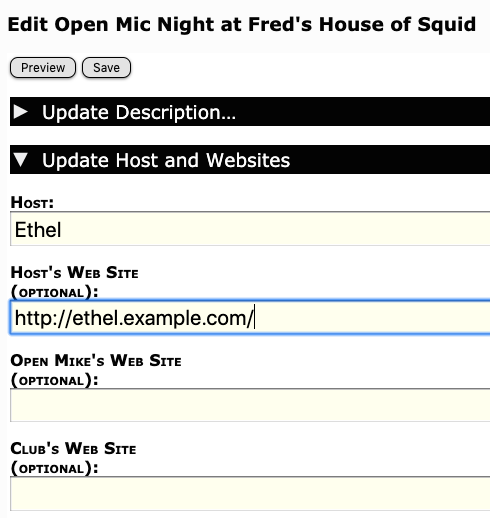
We're changing the host from Fred to Ethel, and noting that she has a web site. We click Preview to see our changes:
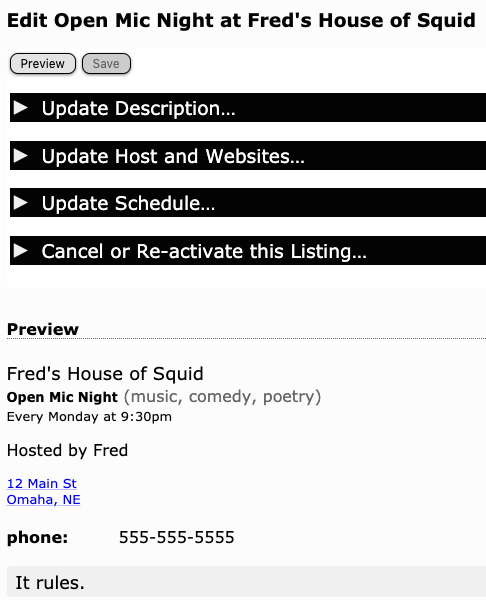
Satisfied, we click Save. Reassuringly, we see this:

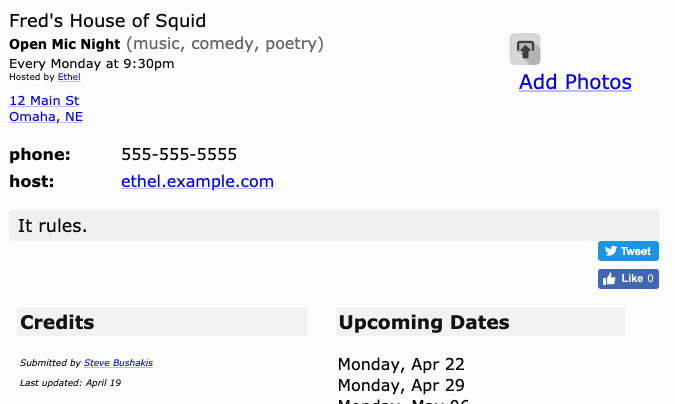
If we now visit the actual listing, we can see our changes have gone live:


Leave a comment